
Sooner or later every growing business needs proper reporting, and the first question is how to get there. Start from a ready Power BI template, or build a custom solution from scratch? Both are good answers, for different situations, and the wrong choice usually costs either months of work or a report that never quite fits.
When a template is the right choice
- Your questions are common ones: how are sales doing compared with last year, which agents are on target, which customers stopped buying, which deliveries are late.
- Your data is standard: invoices, quotes, customers, products and agents, from an ERP or from Excel.
- You want results quickly: days, not months.
- You want a good starting point: a well-built template is also a working example of a clean model and a clear design.
When you need something custom
- The process is unique to your business: billing rules, project stages or a workflow no template was built for.
- Many sources need to come together: ERP, CRM, a warehouse system and a few Excel files, all in one model.
- Different users must see different data: branches, regions or clients with their own view of the same report.
- The report is part of a product: for example, reports you deliver to your own customers.
In these cases a custom data product is the right investment. The principles stay the same: decisions first, a clean model, and a flow designed before the visuals. We describe that process in How to Design a Data Product: From Question to Dashboard.
The middle path most companies take
In practice, many companies end up in between. They start from a template that answers most of their questions, connect it to their own data, rename a few fields, and add a page or two over time. This works well when the template is built on a clean model, with facts, dimensions and a date table, because adding to a good model is easy. Adding to a messy one is not. See The Data Model Behind a Good Dashboard for what to look for.
Template or custom at a glance
| Template | Custom | |
|---|---|---|
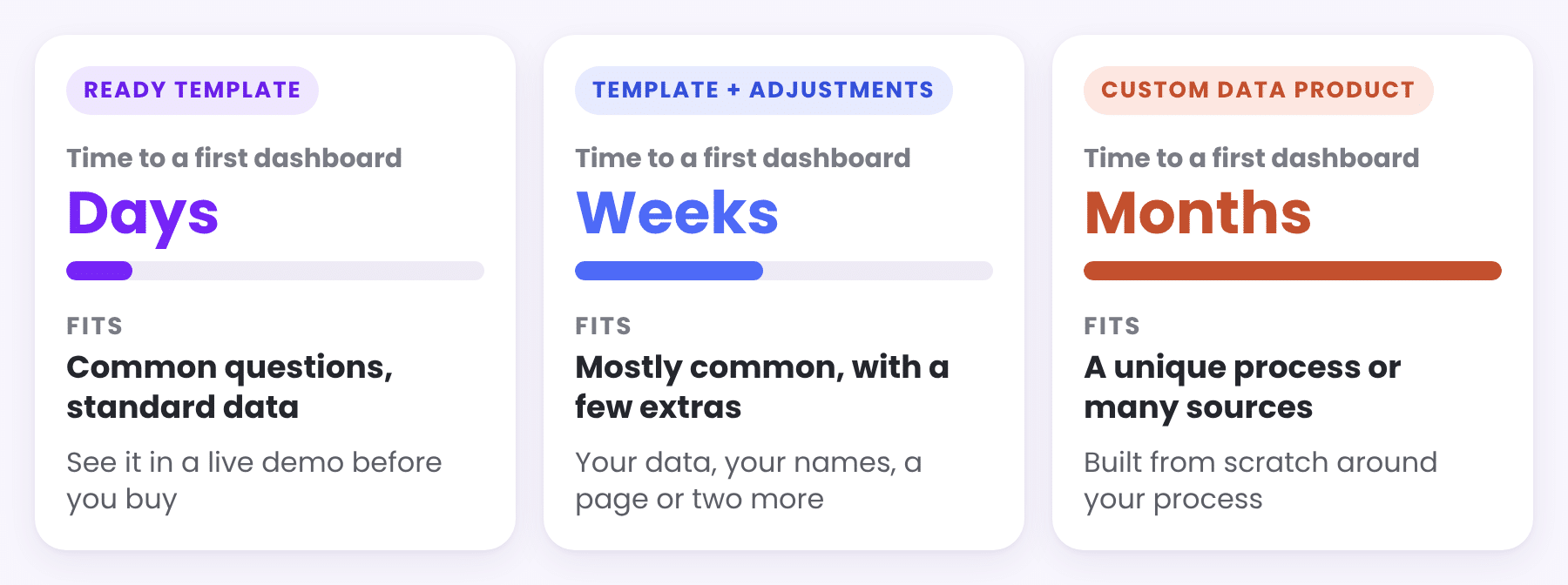
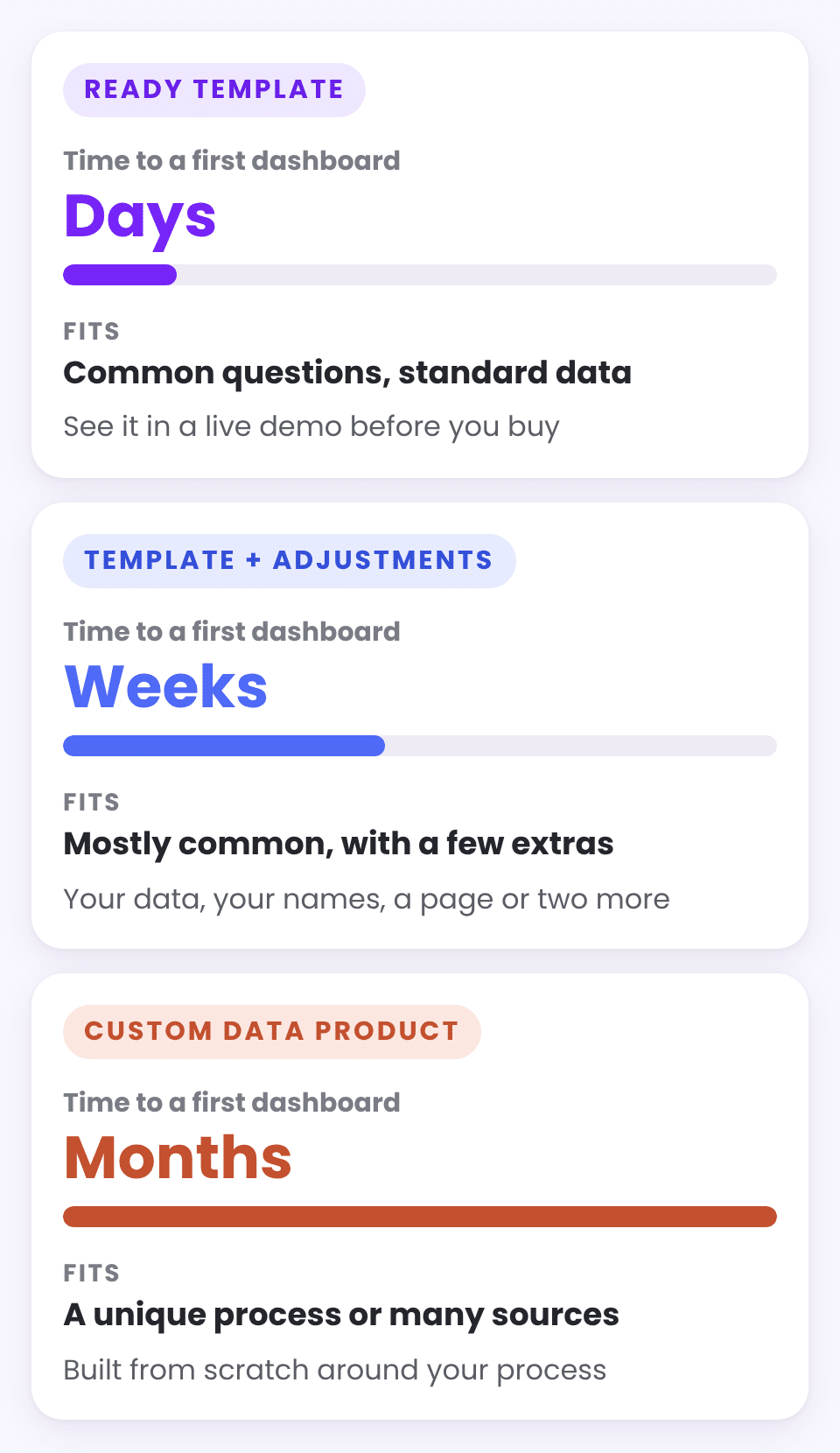
| Time to a first dashboard | Days | Weeks to months |
| Cost | Low, one-time | Higher, depends on scope |
| Fit | Common business questions | Your exact process |
| Risk | Low: you can see it before you buy | Depends on the requirements |
| Best for | Getting started, standard data | Unique processes, many sources |
How to evaluate a template before you buy
- Click through it. A live demo shows whether the flow makes sense for your team better than any screenshot.
- Check the questions. List the five questions your team asks most often, and see how many the template answers.
- Check the data it expects. Sample data shows the tables and fields you need to provide.
- Check the definitions. Every measure should be documented, so you know exactly what each number means.
- Check the model. A star model with a date table is a sign that the template will be easy to adapt.
Keep reading
From the BistarData shop
Start with a template
Our Power BI templates cover the most common business questions, each built on a clean model with sample data and a user guide:
- Sales Signals: what changed and why
- Sales Journey: Quote to Invoice: from quote to invoice
- Sales Team Scorecard: agents against target
- Customer Compass: customer segments and retention
- Insight Studio: Self Service analysis
- Delivery Flow: Order to Doorstep: deliveries from order to doorstep