
עברית
Smart Digital Solutions

Smart Tools.Simple Solutions.

Power BI dashboards, smart business applications and ready-to-use digital solutions.

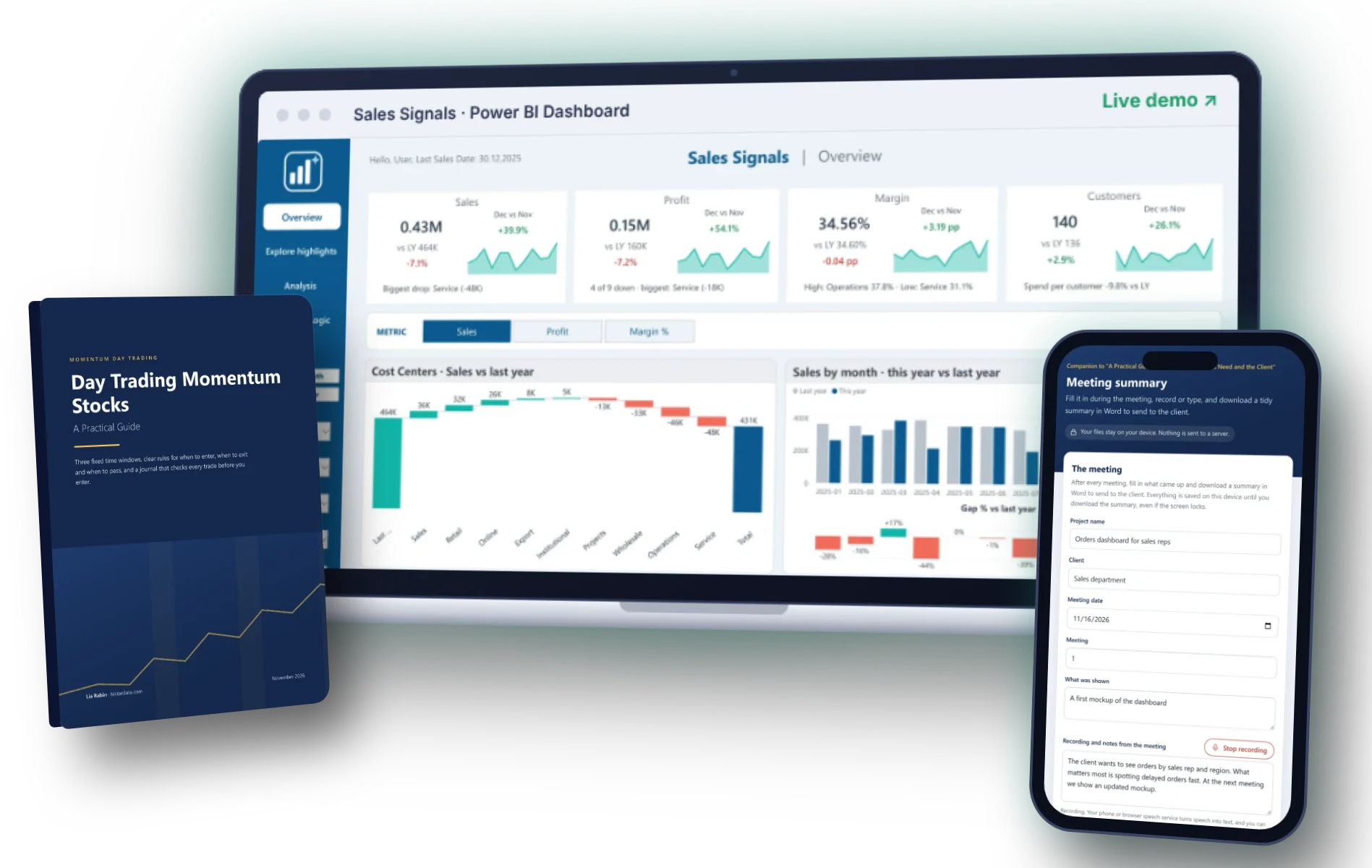
Sales Signals Power BI dashboard on a laptop, the Day Trading Momentum Stocks guide and the Meeting Summary app on a phone
AI Powered
Expert Built
Data Privacy
Smart Tools.
Simple Solutions.

Ready made Power BI dashboards, digital tools and practical guides. Everything you need to get started, without starting from scratch.

The power of AI. The precision of real expertise. Your data stays private and secure.

Power BI DashboardsReady to use templates → Digital ToolsApps you can use today → GuidesLearn step by step →

Built for Businesses. Designed for Professionals.

BistarData brings together smart business applications, Power BI dashboards, data tools, and practical digital solutions.

Built for business owners, managers, analysts, and professionals who want to save time, simplify workflows, and achieve more with less effort.

Managers & Team Leaders
Business Owners & Entrepreneurs
Consultants & Freelancers
Data & BI Professionals
Investors & Traders
Product & Project Managers

Digital Products

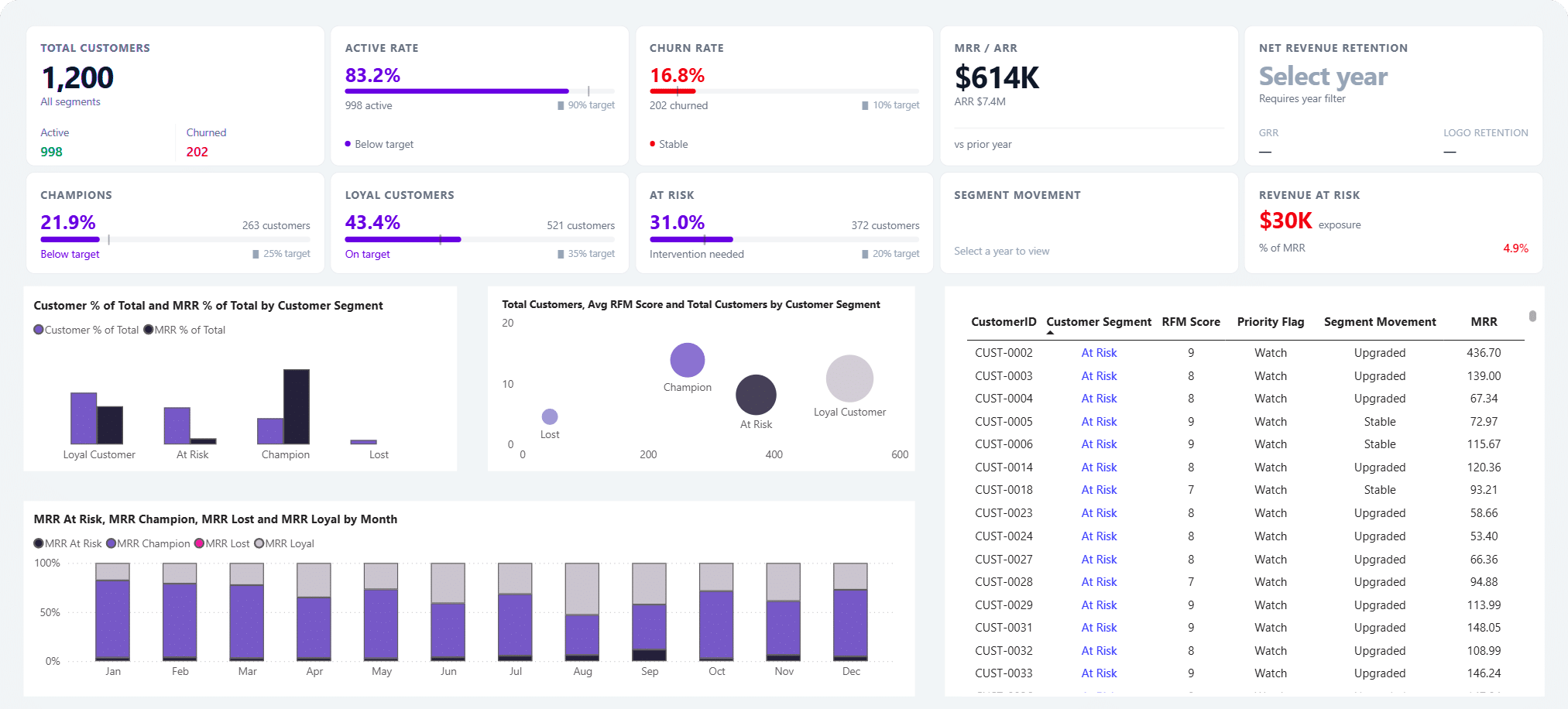
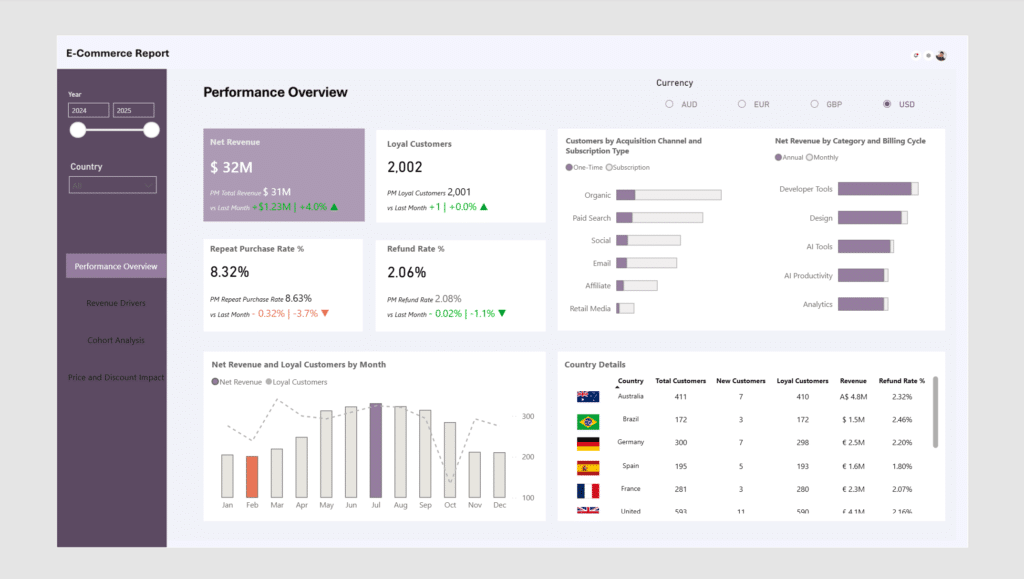
Ready-to-use Power BI dashboards that turn complex data into a clear, visual and actionable story. Download, connect your data and start working.

Digital Products

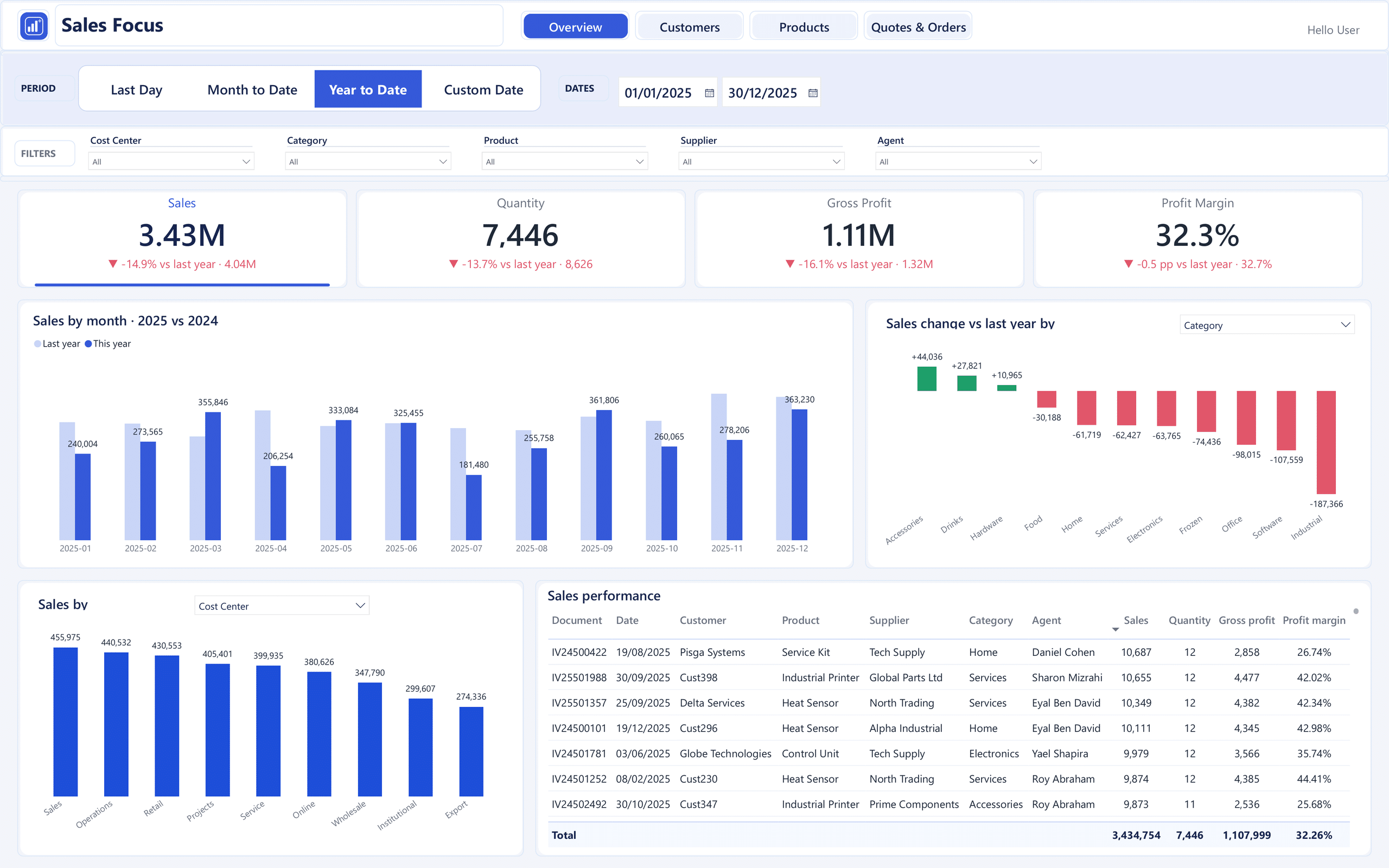
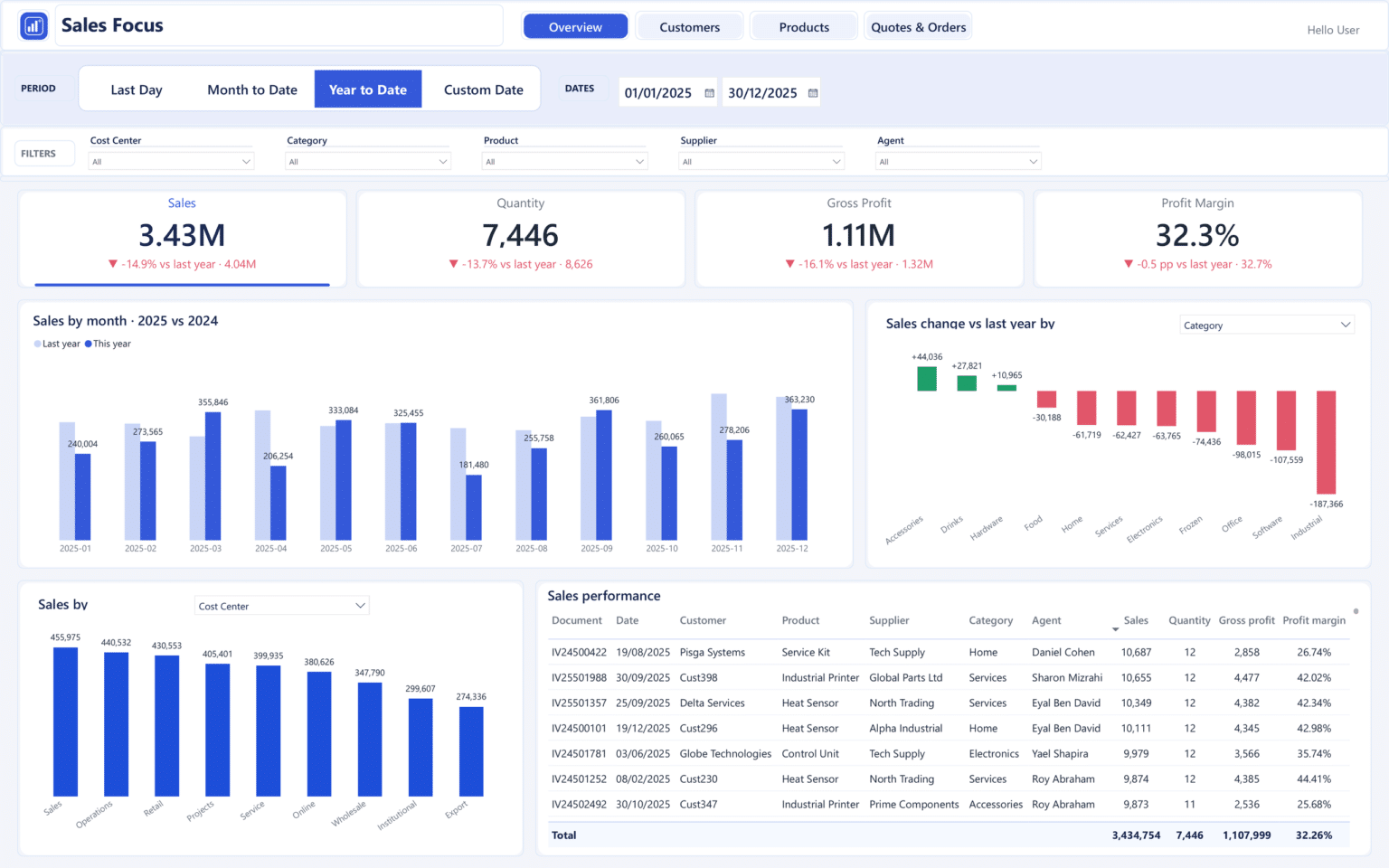
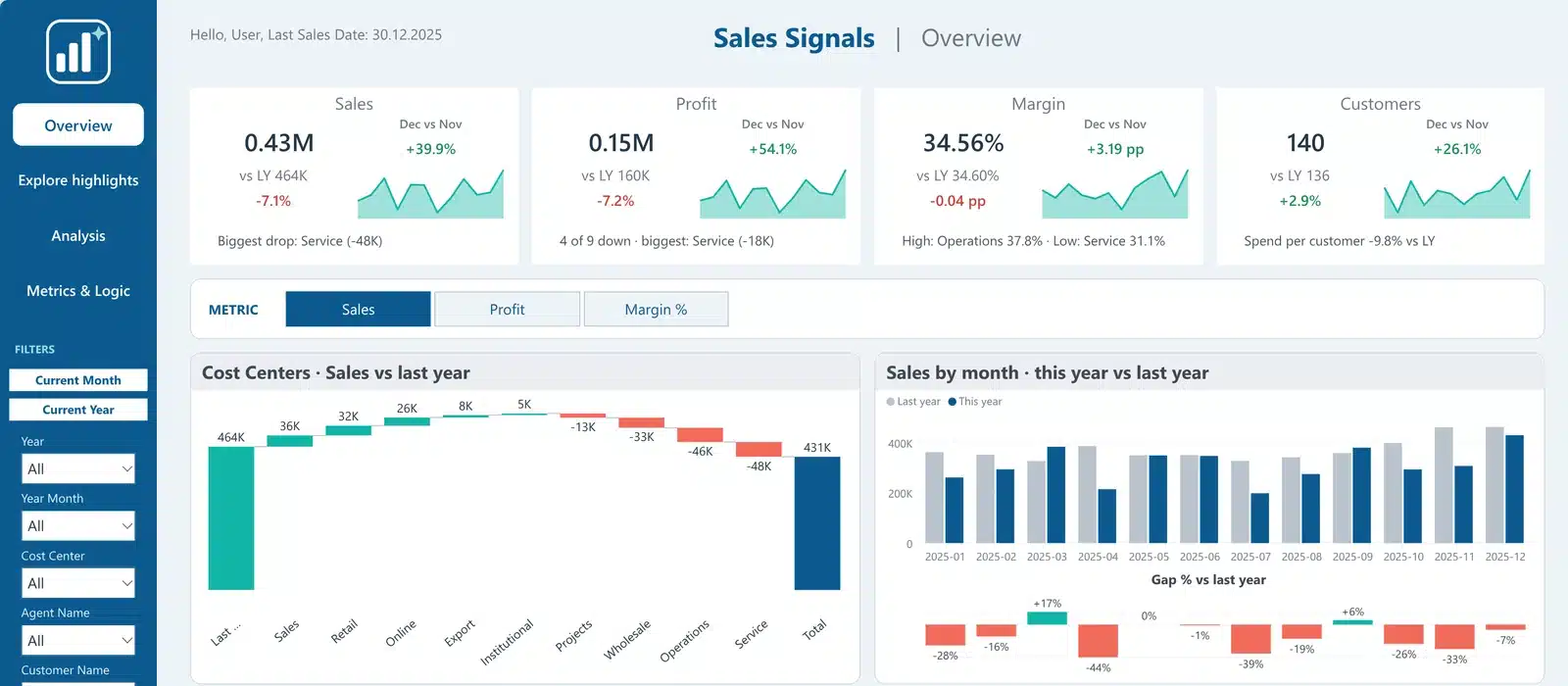
Sales Focus Power BI dashboard: Overview page with KPI cards, monthly trend and sales performance table

Dashboards

Ready to use Power BI dashboards that turn complex data into a clear, visual and actionable story. Download, connect your data and start working.

Explore Dashboards
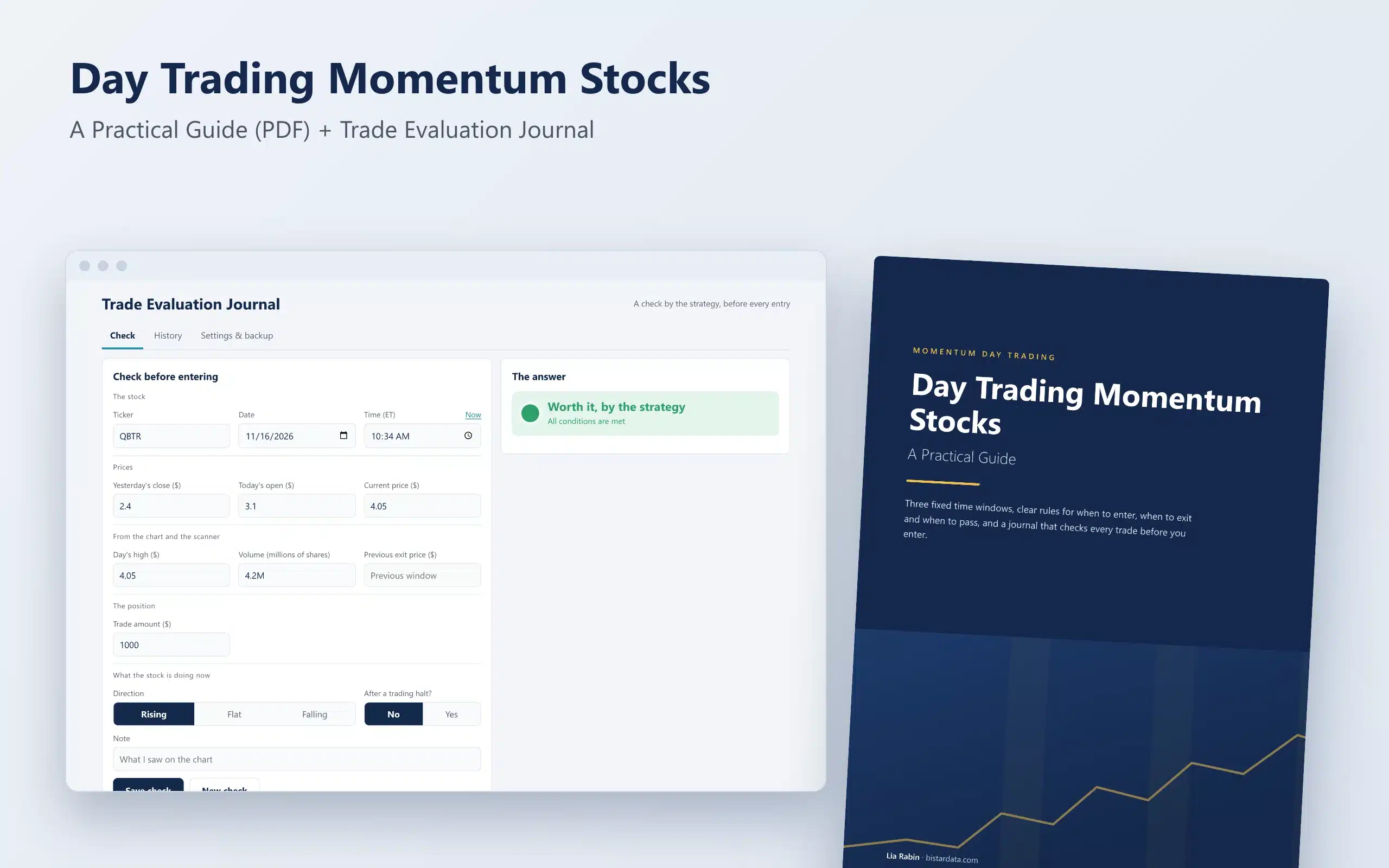
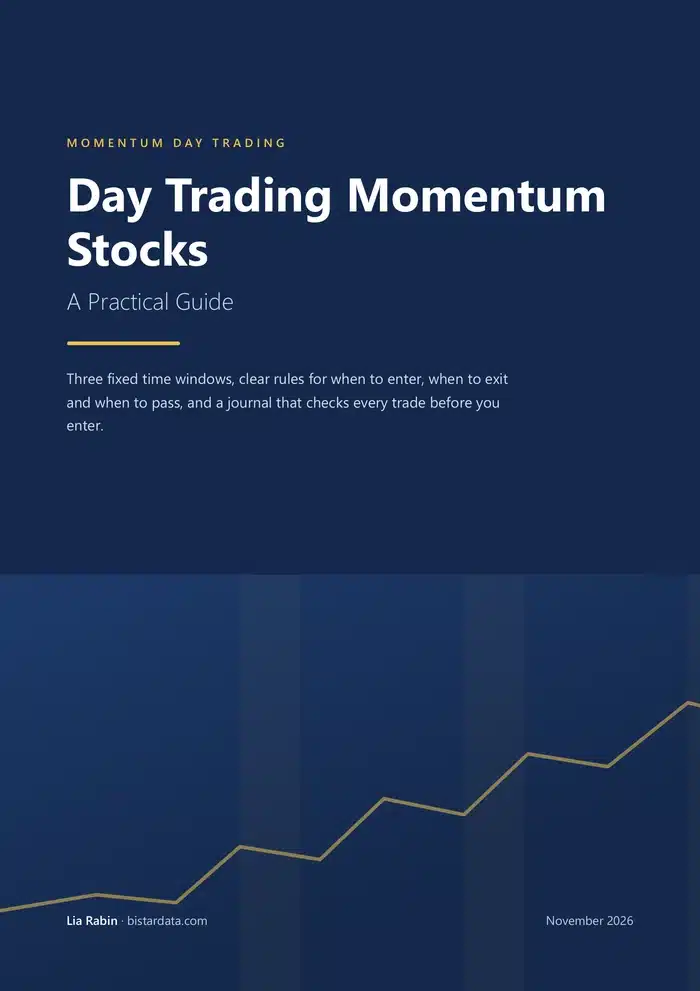
Day Trading Momentum Stocks: guide and journal

Practical Guides

Step by step guides with ready to use tools. Learn a method, then apply it in your own work.

Explore Guides
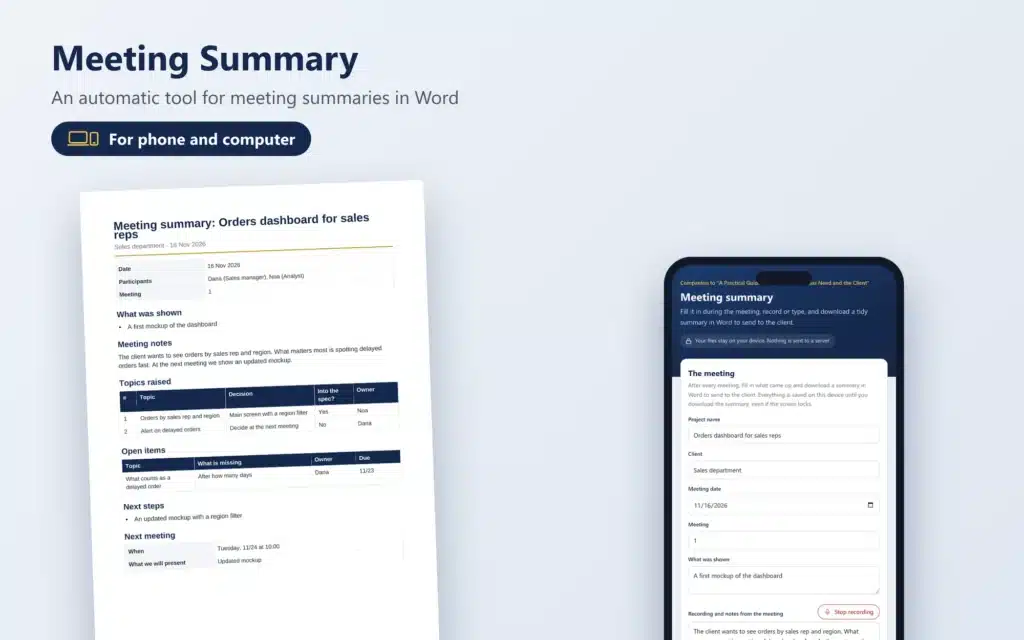
Meeting summary tool, on phone and computer

Digital Tools

Practical apps and decision tools you can start using right away.

Explore Tools

Complete Dashboards

Ready-to-use dashboard solutions designed to present complex data in a clear, visual, and actionable way.

Dashboard Objects

Individual dashboard components built to help you customize, upgrade, and expand your data experience.

AI Assisted Setup

Ready to Use.
Easier with AI.

Your Power BI model is already built. Use the ready AI prompts in the guide to connect your data, and start exploring insights faster.

  • Ready made data models
  • Ready AI prompts in every guide
  • Less building. More analyzing.
Setup in 4 steps

Connect your data with AI

  1. 01Download the model and the guide
  2. 02Copy the ready prompt from the guide
  3. 03Let AI match your data to the model
  4. 04Refresh and start exploring

Works with any AI chat tool you already use.

Business owner overwhelmed by spreadsheets and printed reports at his desk
01The Challenge

Work Shouldn't Be This Hard.

Businesses and professionals spend valuable time managing data, repetitive tasks, and disconnected processes. Finding the right tools and turning information into action shouldn't be complicated.

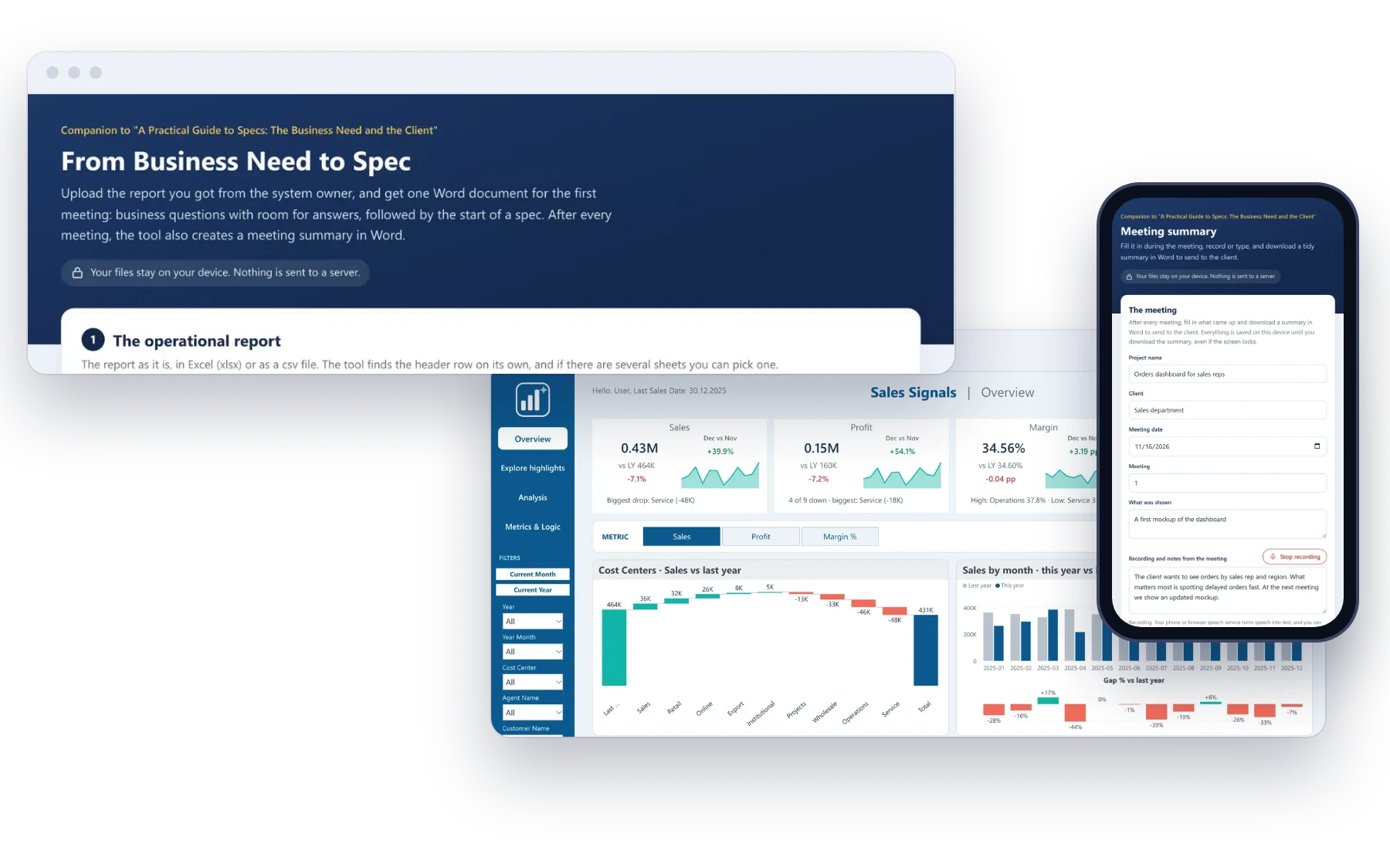
BistarData products together: the From Business Need to Spec app, the Sales Signals Power BI dashboard and the Meeting Summary mobile app
02The Solution

Smart Tools. Simple Solutions.

BistarData brings together ready to use business applications, Power BI dashboards, digital tools, and practical guides. Built with real expertise to simplify everyday work.
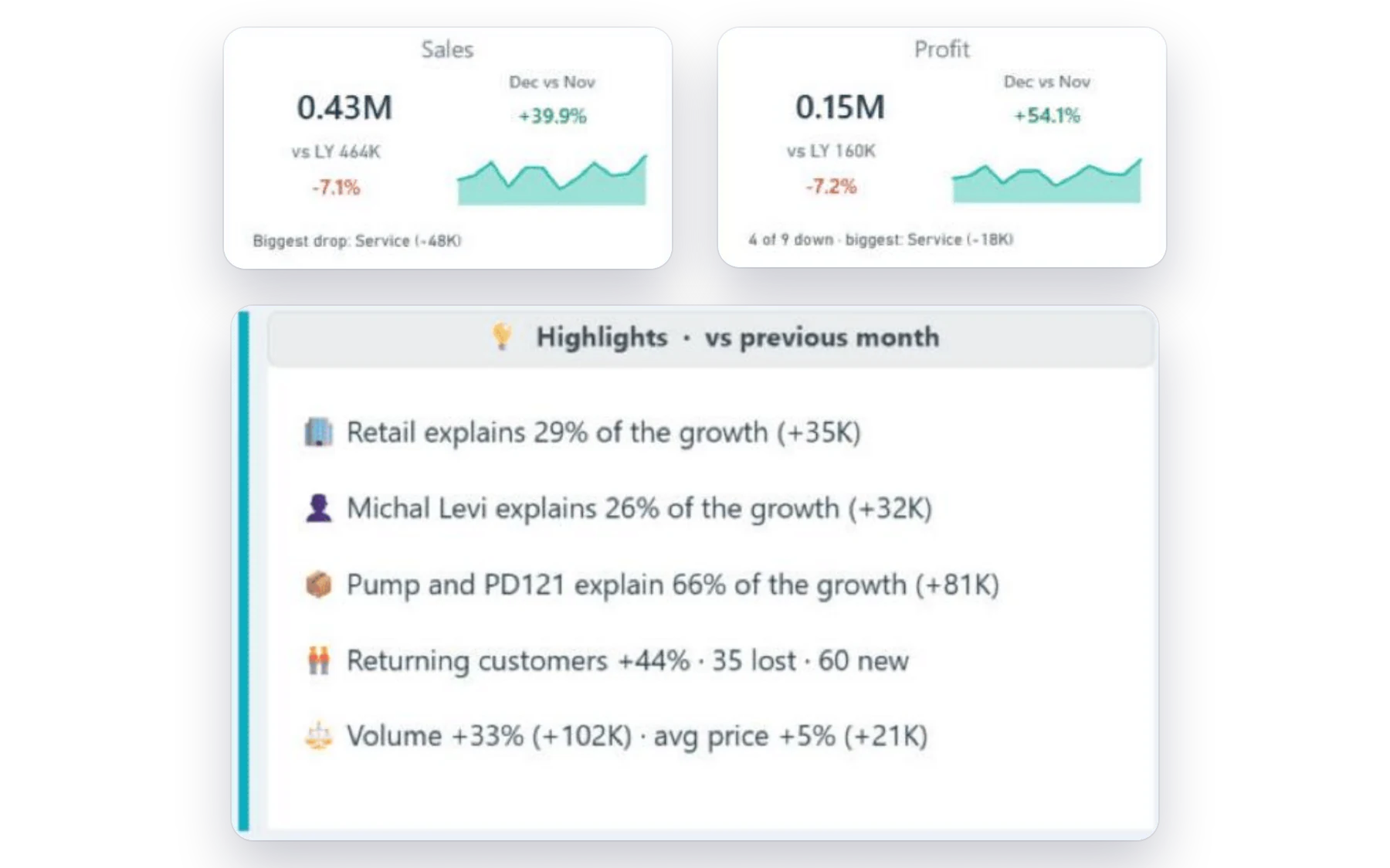
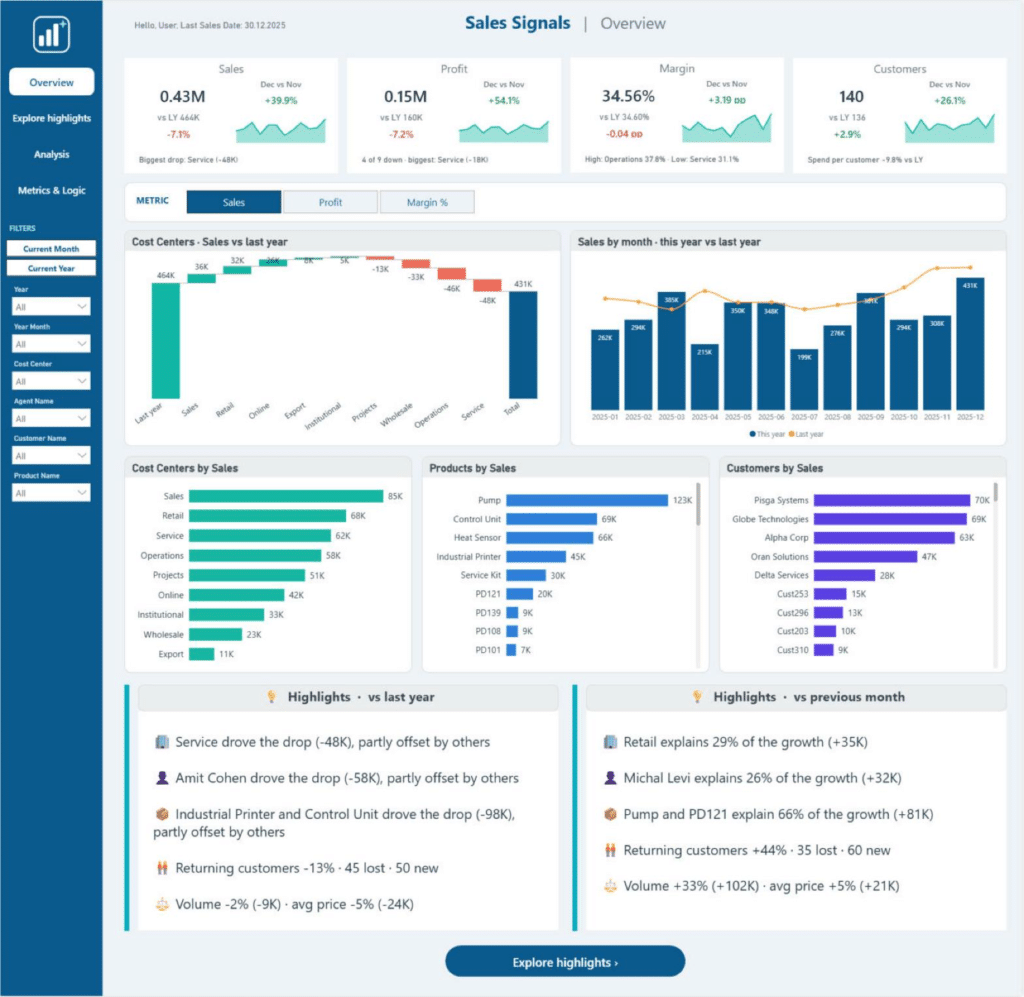
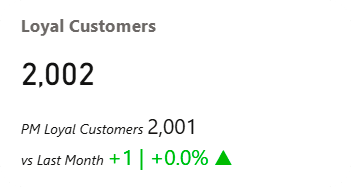
Sales Signals results: sales and profit KPI cards with growth vs previous month, and the highlights that explain the growth
03The Outcome

Less Work. Better Results.

Less manual work, simpler processes, and better decisions. Our solutions help businesses and professionals work more efficiently and focus on what matters most.
The Challenge

When data is everywhere, but clarity is nowhere.

Data is everywhere, but locked in Excel files. Manual processes, scattered reports, and lack of structure make it difficult to make data usable for decision making

The Solution

Where data becomes structured, accessible, and ready for real use.

I design and develop data-driven products that transform fragmented data into structured, scalable solutions. By combining data modeling, system architecture, and UX/UI design, I create products that make data clear, accessible, and ready for real use.

The Outcome

Lower costs, maximize efficiency, increase profit.

Clear data and structured processes, aligned with real business operations, enable organizations to gain full visibility, reduce manual work, and make faster, more accurate decisions that directly impact performance and deliver measurable business outcomes

The Thinking Behind Our Digital Products

Built on Expertise. Driven by Real Needs.

Every BistarData digital product combines business understanding, technology, and thoughtful design to deliver practical solutions for everyday challenges.

01|Business First

We start with real business needs, turning everyday challenges into practical digital solutions.

02|Thoughtful Product Design

We combine technology, professional expertise, and user experience to create intuitive digital products built for real work.

03|Real Value

Ready to use digital products that simplify tasks, save time, and help people work smarter.

Behind every dashboard

How Our Dashboards Are Built

Every BistarData dashboard is built with the same method used in large BI projects: business questions first, a clean data model underneath, and a design that leads from the big picture to the details.

BistarData

From manual reports to automated insights

Reports that refresh by themselves and explain what changed, so time goes into decisions instead of Excel.

The data model behind the dashboard

A clean star model, clear field names and measures defined once, so every number can be trusted.

BistarData

Designed around real business questions

Every screen starts from a decision: who uses it, what they compare, and where they click next.

Template or Custom?
Choosing the right Power BI solution

A ready template, a template with adjustments, or a solution built from scratch. How to know which one fits.

Live Demos

Try Before You Buy

Almost every dashboard in the shop has a live demo on its product page. Click through the real report, use the filters and drill down to the details, before you buy.

LIVE DEMO

Sales Signals

What changed vs last year, why, and what to do next.

LIVE DEMO

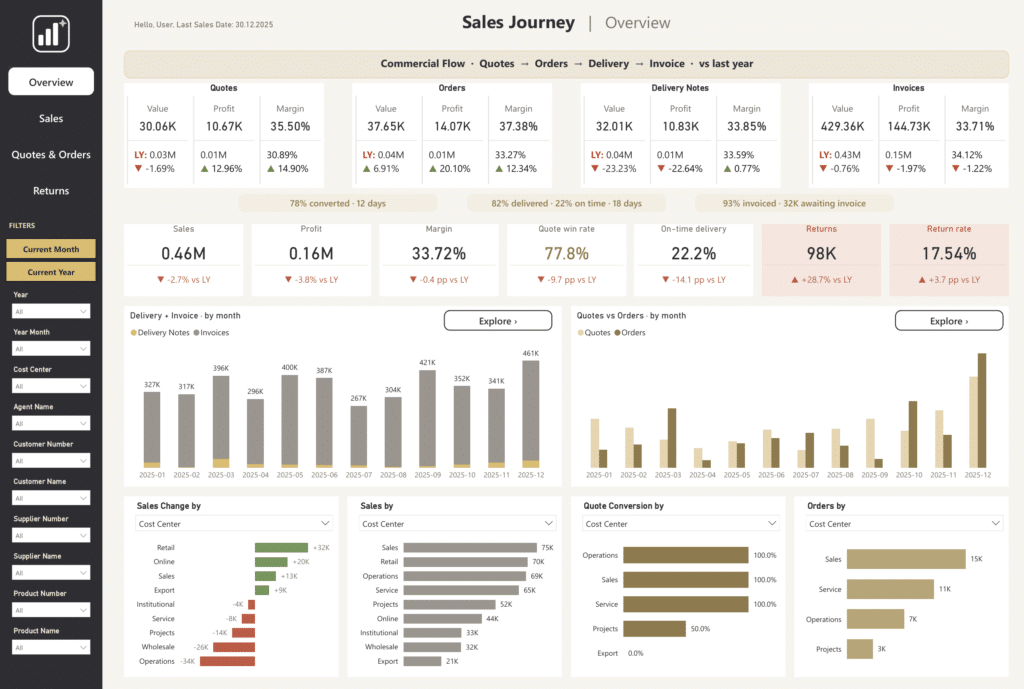
Sales Journey: Quote to Invoice

Quotes, orders and invoices in one clear flow.

LIVE DEMO

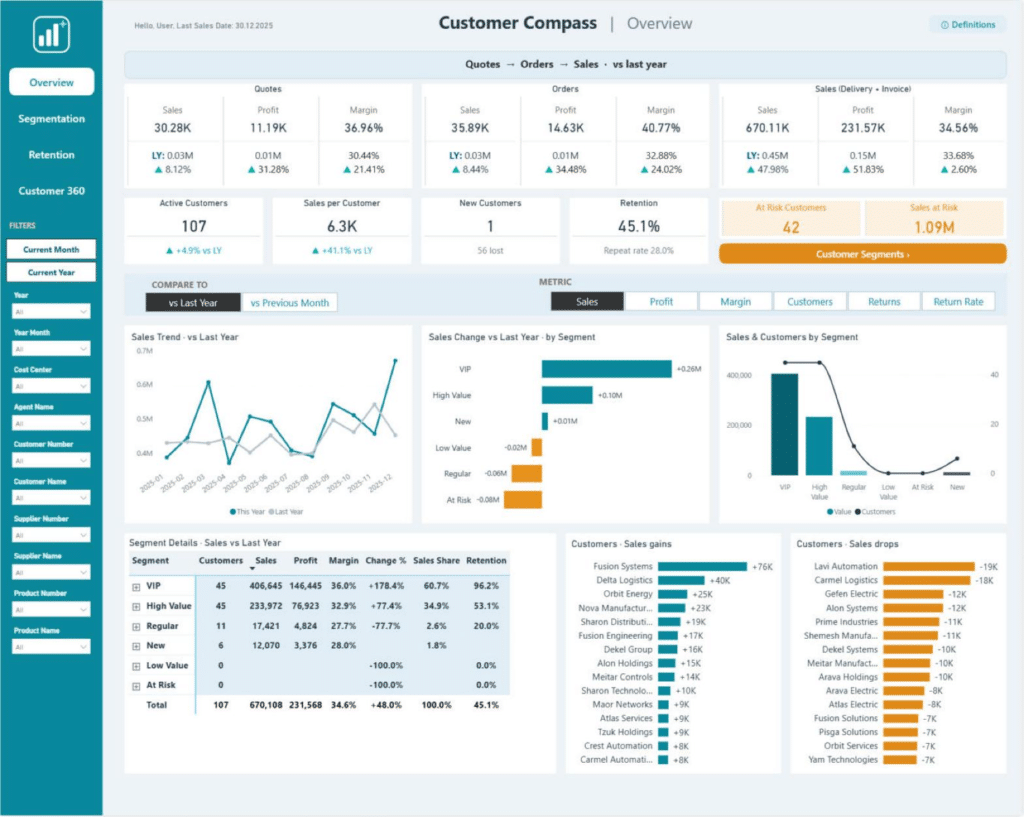
Customer Compass

Your best customers, and the ones about to leave.

Individual & Strategic Unique Results

A look at my portfolio

From concept to delivery, every stage is handled with precision and ownership.

Data is not just modeled, but deeply validated down to the smallest detail, ensuring accuracy, consistency, and full trust in every output.
The process continues until the solution is fully aligned, reliable, and delivers measurable business impact.

Test Project Full

Project Type - 360

Test Project Empty

Project Type - Characterisation

Behind BistarData

About me

Hi, nice to meet you. I'm Lia Rabin, a Data Project Manager with years of experience in Business Intelligence. After years of solving the same challenges, I created BistarData to help others build faster with professionally designed Power BI templates. Have fun. Build smarter. Become a BI Star

Frequently asked questions

What can I find at BistarData?
Ready made Power BI dashboards, digital tools that work on your computer and phone, and practical guides, in English and Hebrew.
How is this different from just using AI?
AI answers what you ask it. Our products are built on years of experience with real clients, so they already know what to ask and what to measure. You get a structured result every time, and your data stays with you.
Does my data stay with me?
Yes. You don't need to run your data through any AI engine, because the logic is already built into the product. Dashboards run in your own Power BI, digital tools run on your computer or phone, and we never receive your data.
Do I need technical knowledge?
Not for the tools or the guides. For the dashboards you need Power BI Desktop, which is free, and the user guide walks you through connecting your data step by step.
Does a dashboard connect to my data?
Yes. Every dashboard comes with sample data in Excel that you replace with your own. Some dashboards also include a ready SQL connection.
What do I get when I buy?
A dashboard comes with a Power BI file, sample data and a user guide. A tool is a file you download and use on your computer or phone. A guide is a PDF you download.
Can I try before I buy?
Most dashboards have a live demo on the product page.

The season's sale is here!

Buy 2 items and enjoy 30% off

Data Focus, Simple Design
Your shopping cart0
Oops, the cart is empty right now..
מכשירי חשמל
אביזרים
[fibosearch]
No data was found