

Self Service BI promised that everyone would answer their own questions. In practice, most users open the report, look at the default view and close it. The few who try to build their own chart from a field list end up with numbers nobody else trusts.
The problem is not the users. It is the design. Self Service works when it is guided: users make a few clear choices, and the report does the rest.
Why the empty canvas fails
- Too many fields, often with technical names that only the person who built the model understands.
- No shared definitions: everyone calculates margin or growth in a slightly different way.
- No context: a number without a comparison means very little.
- No consistency: every user’s view looks different, so results cannot be compared in a meeting.
Guided Self Service: three choices
Most business questions are a combination of three choices: what to measure, how to break it down, and what to compare it with. “Profit by agent compared with last year.” “Units by product compared with last month.” Give users those three choices as simple selectors, and they can answer hundreds of questions without editing the report.
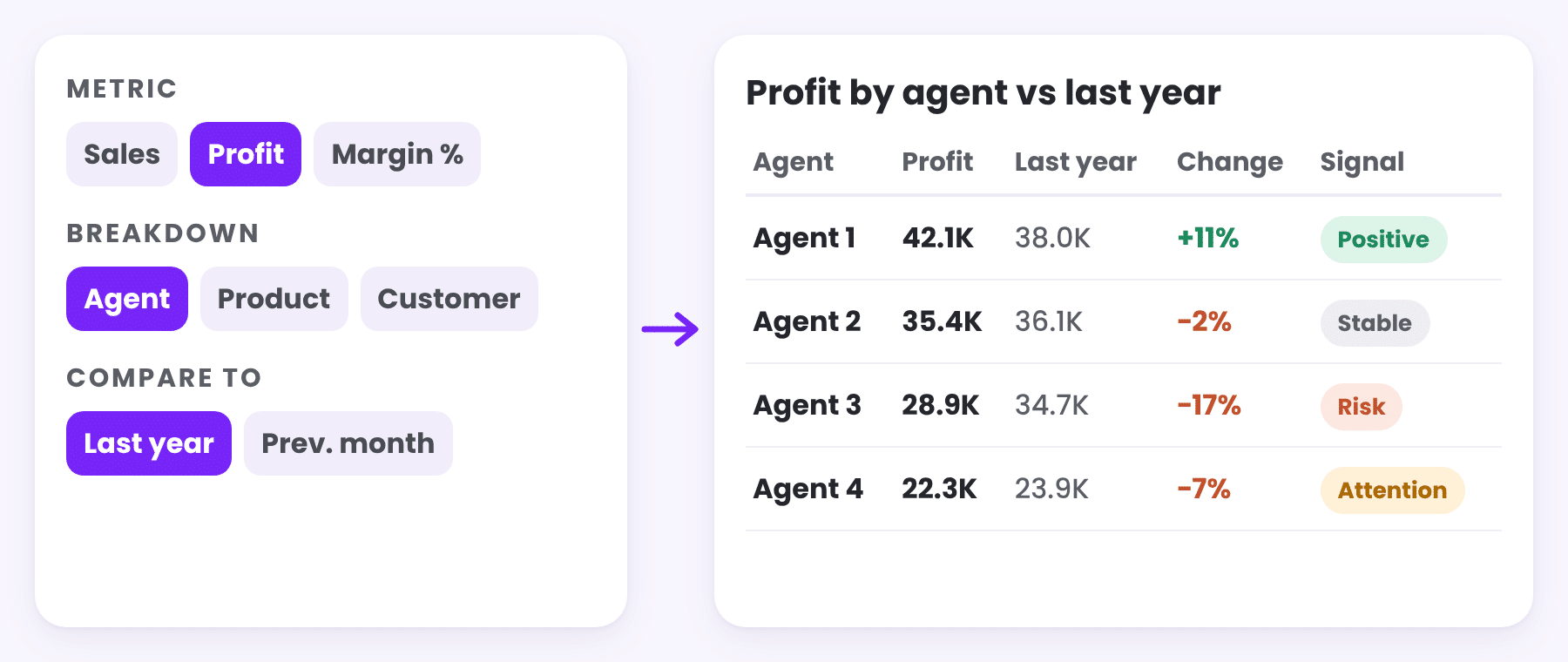
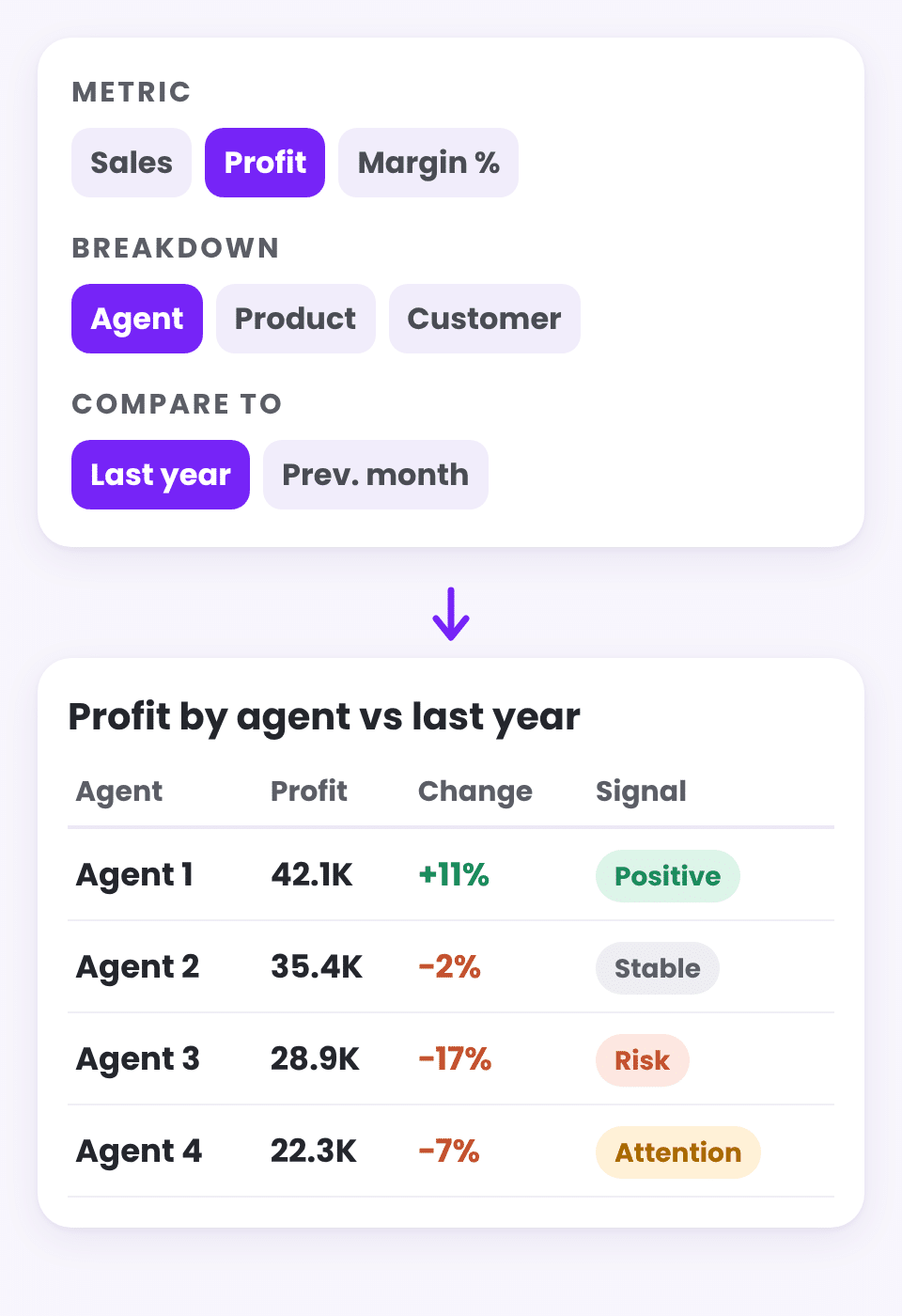
In Power BI this is built with field parameters for the metric and the breakdown, and a comparison selector that switches between last year, the previous month or no comparison. The measures underneath are the same for everyone, so the numbers always match the official reports.
Show the change, not just the number
Each row should show the current value, the comparison, the change and the change %. Add a signal column, such as Risk, Attention, Positive or Stable, and a filter on it, and users can go straight to the rows that need attention instead of scrolling through a long table.
Explain what drove it
A table shows what changed. A bridge with a selectable metric and breakdown shows why, and driver measures for the top agents, products and customers show who was behind it. We go through this method step by step in Sales Went Down. Here Is How to Find Out Why.
Keep it governed
- One data model and one set of definitions for everyone.
- A definitions page inside the report, so nobody has to guess what a measure means.
- Users change the view, never the logic.
- Transaction details one click away, so any number can be checked.
Fixed reports and Self Service work together
Self Service does not replace the monthly management view. The fixed overview answers the questions everyone asks every month. The Self Service page answers the next question, the one that comes up in the meeting. Together they form the kind of analysis flow described in From Dashboards to Analysis Systems: What Power BI Can Do Today.
Keep reading
From the BistarData shop
Self Service without Power BI skills
Insight Studio lets users choose the question while the report writes the answer:
- Choose metrics, breakdown and comparison from simple buttons
- Flexible table with current, comparison, change and change %
- Insight Explorer with insight columns and a Signal filter
- Bridge with a selectable metric and breakdown
- Top N rows, document search and a definitions page