
A practical guide to clear, precise and workable specs for digital and data products.
 Automatic Word tool: questions and a first specTry it yourself
 Automatic meeting summary toolTry it yourself
For phone and computer, nothing to install
For systems, apps and screens, as well as dashboards, reports and models.
One-time payment · Instant access

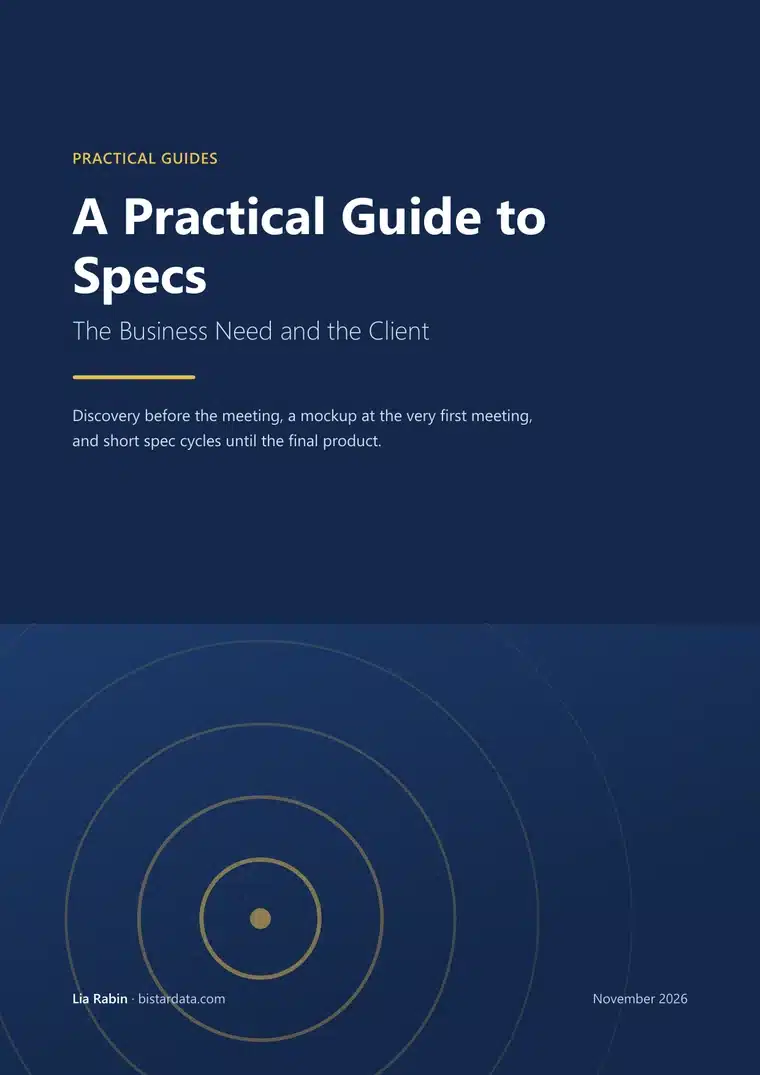
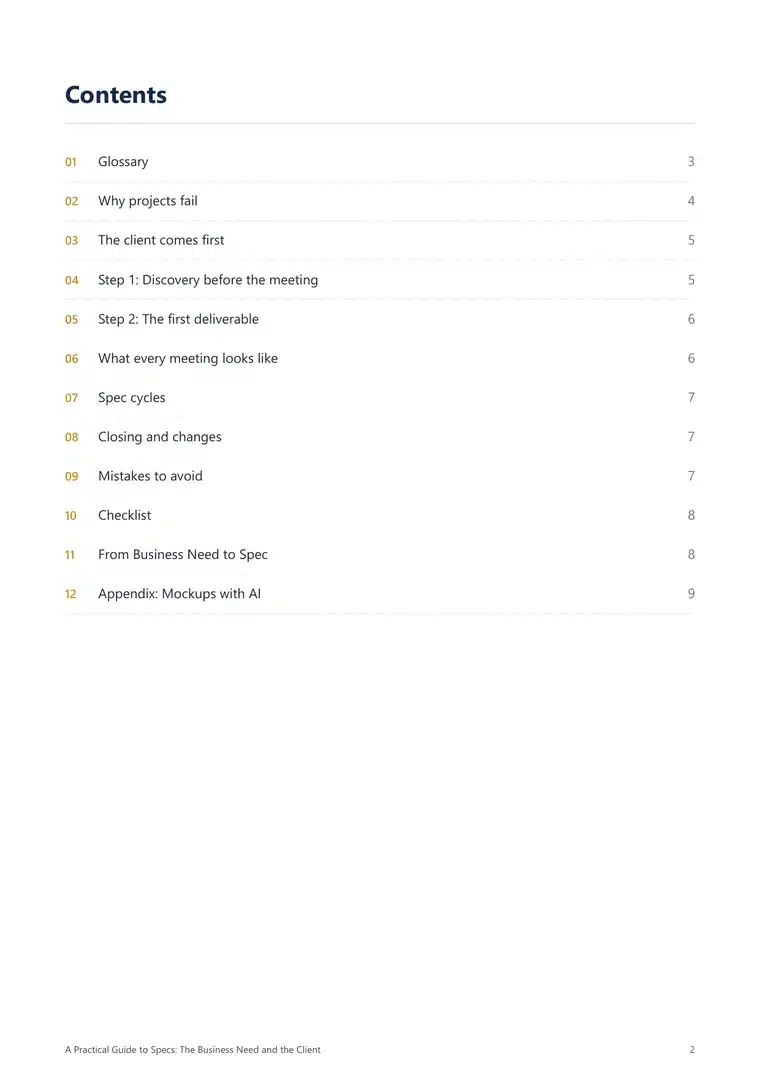
Clear step by step instructions: how to prepare for the meeting, which questions to ask, and how to turn the business need into product and data requirements.
PDF, 10 pages + Pricing and Value file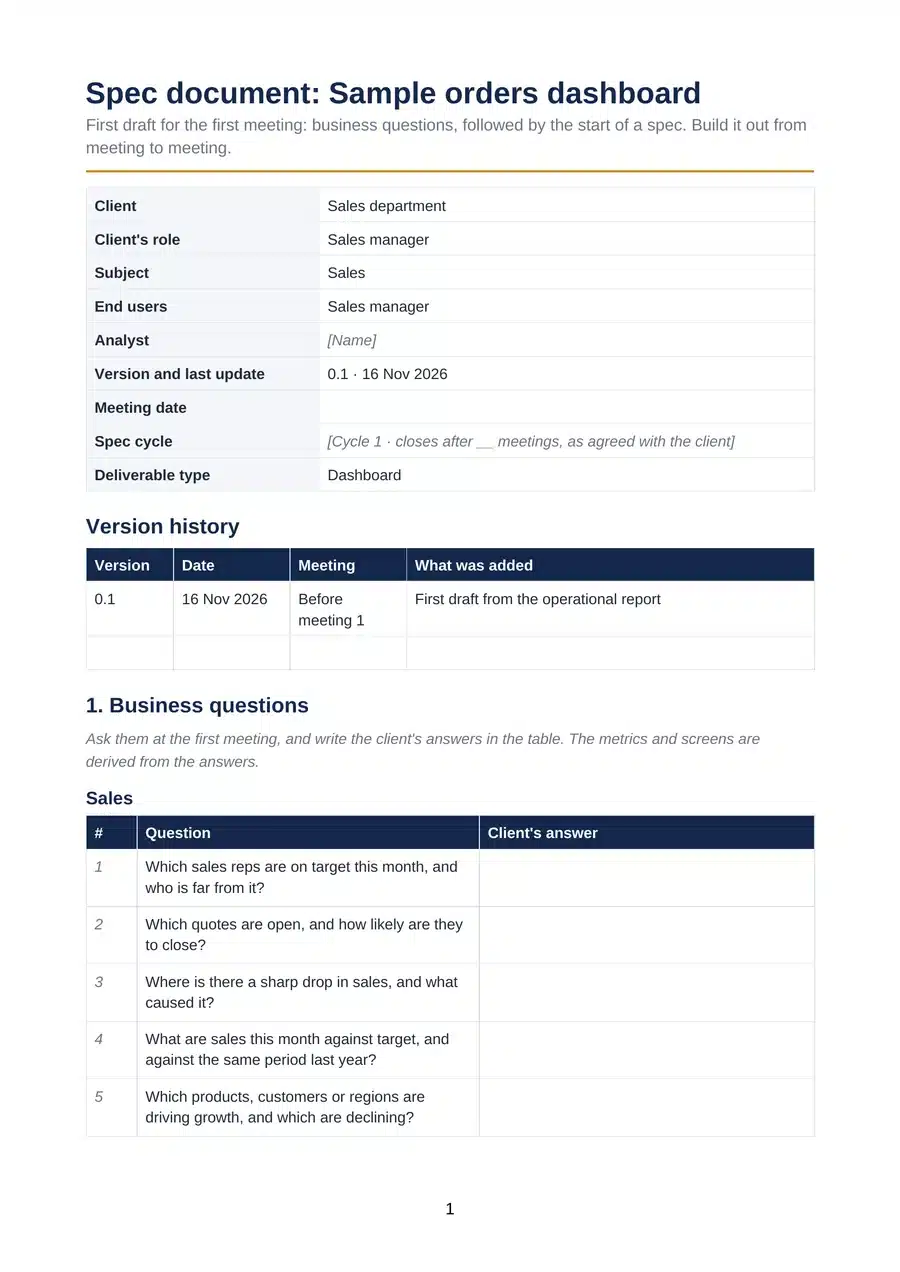 From Business Need to SpecAUTOMATIC
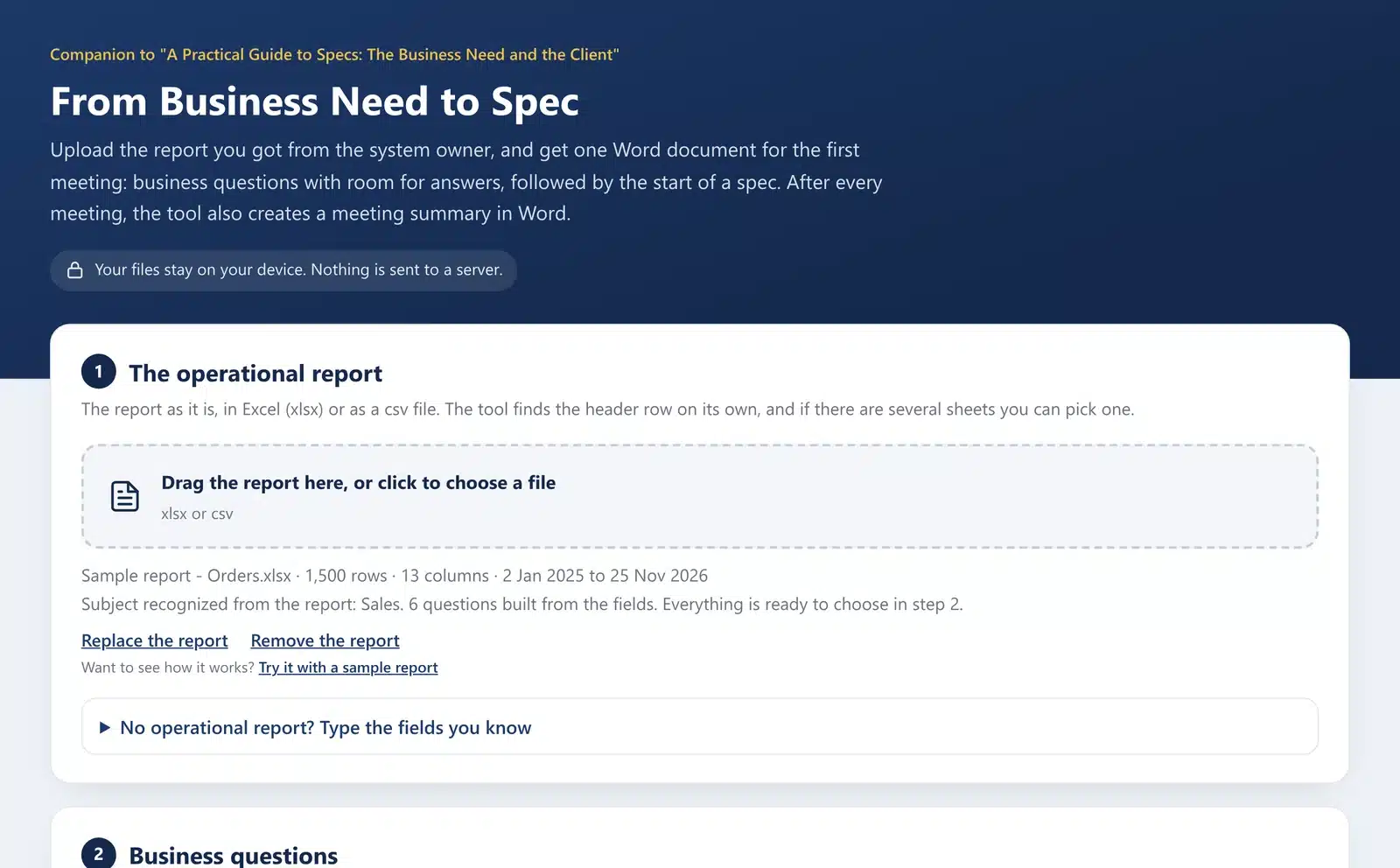
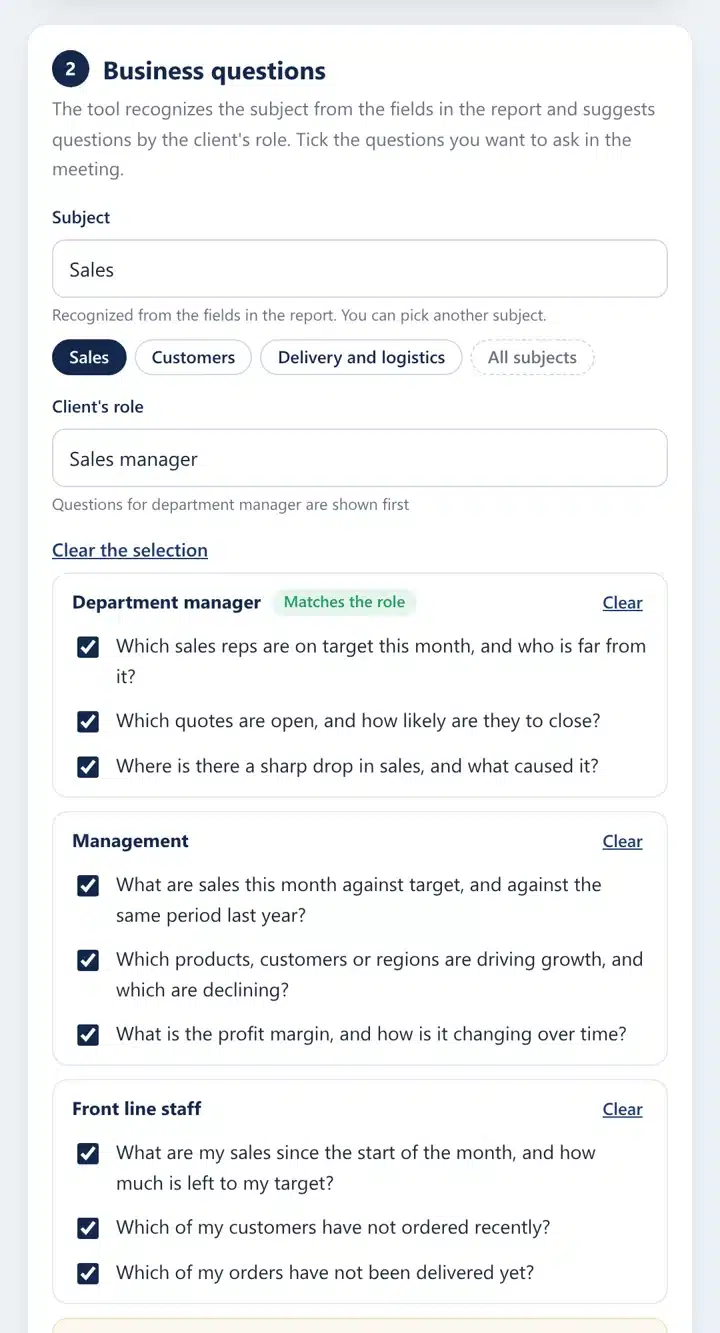
Upload an operational report or type the fields, and download a Word document with business questions and a first spec.
Try it yourselfIn the browser, on phone and computer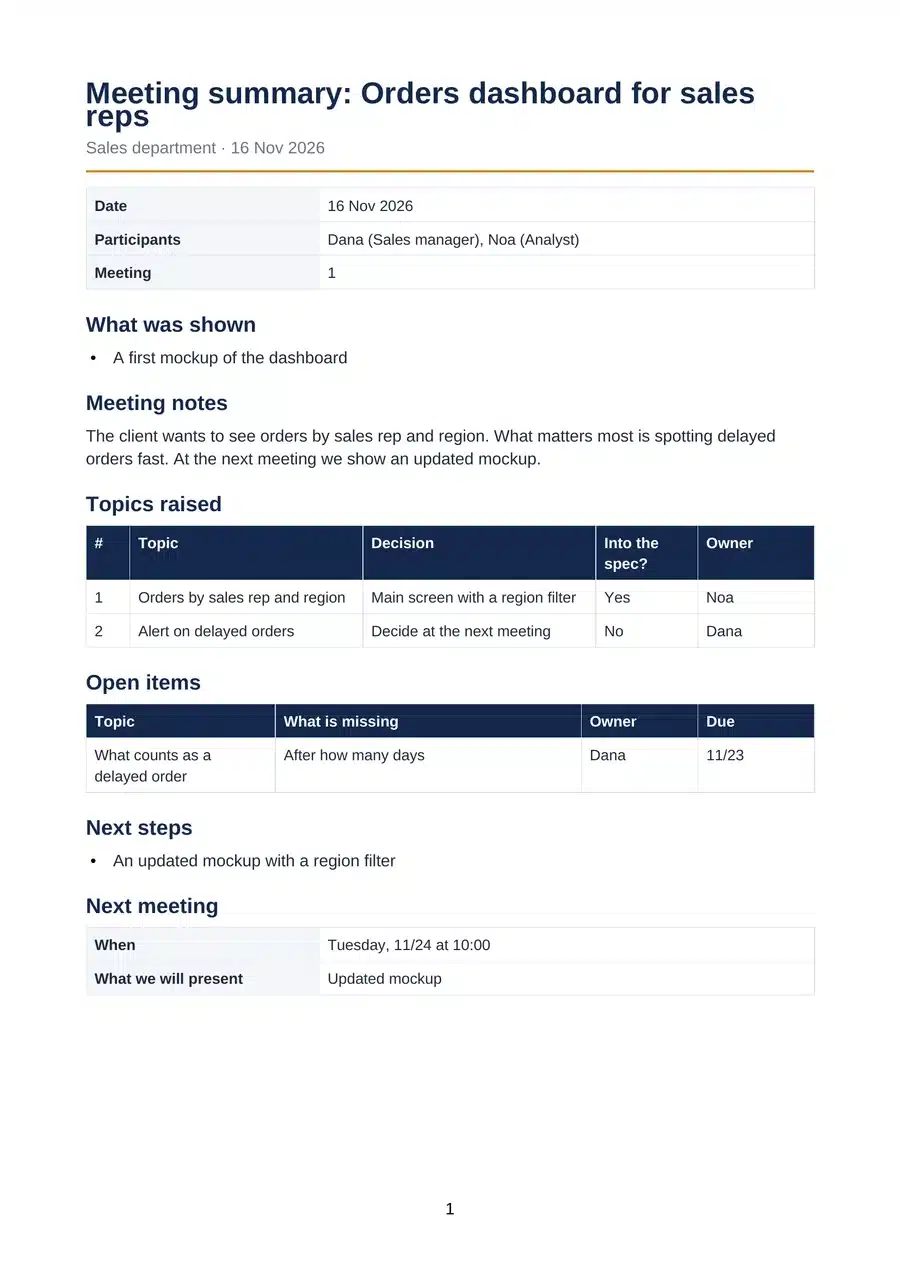 Meeting SummaryAUTOMATIC
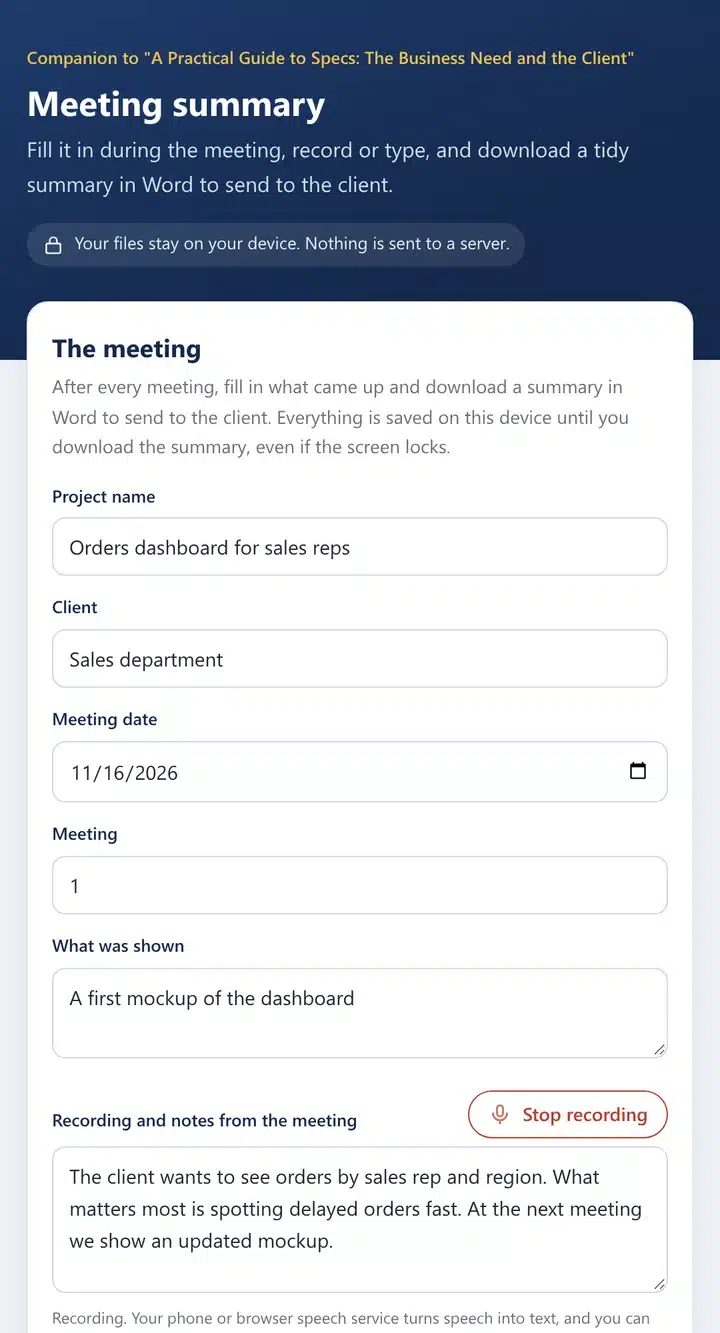
Record or type in the meeting, and download a tidy meeting summary in Word with one click, ready to send to the client.
Try it yourselfIn the browser, on phone and computerBecause a good spec, for a digital product or a data product, starts with understanding the business, not with screens and tables.
Only need the tools? From Business Need to Spec and Meeting Summary are also sold separately, $10 each, in Digital Tools.
The file stays on your device and is not sent anywhere.
Business questions by the client’s role, then the start of a spec.
Record or type, and download a meeting summary in Word.
Both tools sit on your phone, like apps.
The links appear on the confirmation page, are emailed to you and are saved in your account.
On phone or computer. Nothing to install, no account.
iPhone: Share, then “Add to Home Screen”. Android: the three dots in Chrome. Computer: the install icon in the address bar. Each tool is saved on its own, with its own icon.
No. You can type the fields you know, or start with no fields at all. With a report, the questions fit the subject better.
No. The report is read inside your browser and is not uploaded to any server. Recording is turned into text by your phone’s or browser’s dictation service.
Yes. The tool opens in the browser on phone and computer, and you can save it to your home screen like an app. Nothing to install, no account.
Yes. They are regular Word files: edit them, add what you need and send them to the client.
Any project that starts from a business need: dashboards and reports, systems and screens. The tool recognizes subjects such as sales, service, inventory, finance, HR, law firms and public bodies.
Right after payment: the links appear on the confirmation page and are also sent by email.
A PDF guide and two automatic tools, for specs and meeting summaries, for $19.
Buy now, instant downloadOne-time payment · Instant download